This guide covers JazzCash and Easypaisa deposits on Y999 Game: what to check before you pay, the general steps, what to do when a deposit does not appear, and how to protect your mobile wallet.
Check Y999 Payment Availability First
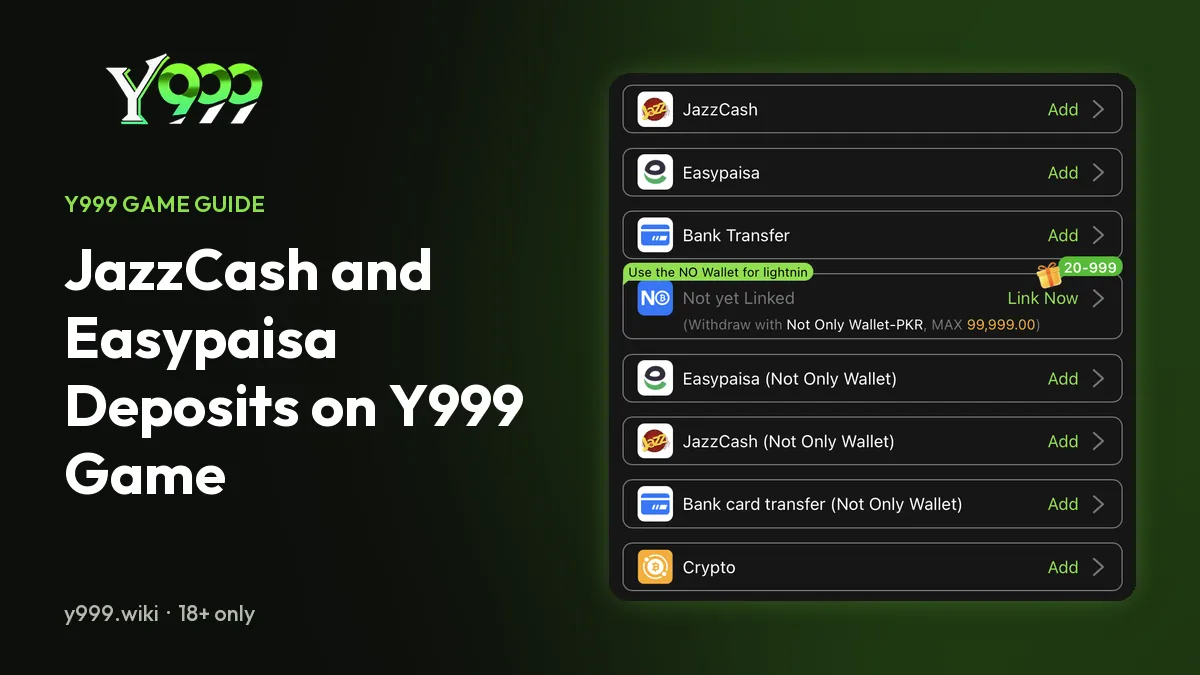
JazzCash and Easypaisa are mobile financial services used in Pakistan. Whether a gaming platform supports either service depends on its current payment arrangements. When we checked on 29 October 2026, the Y999 wallet listed JazzCash, Easypaisa, bank transfer, NO Wallet and crypto.
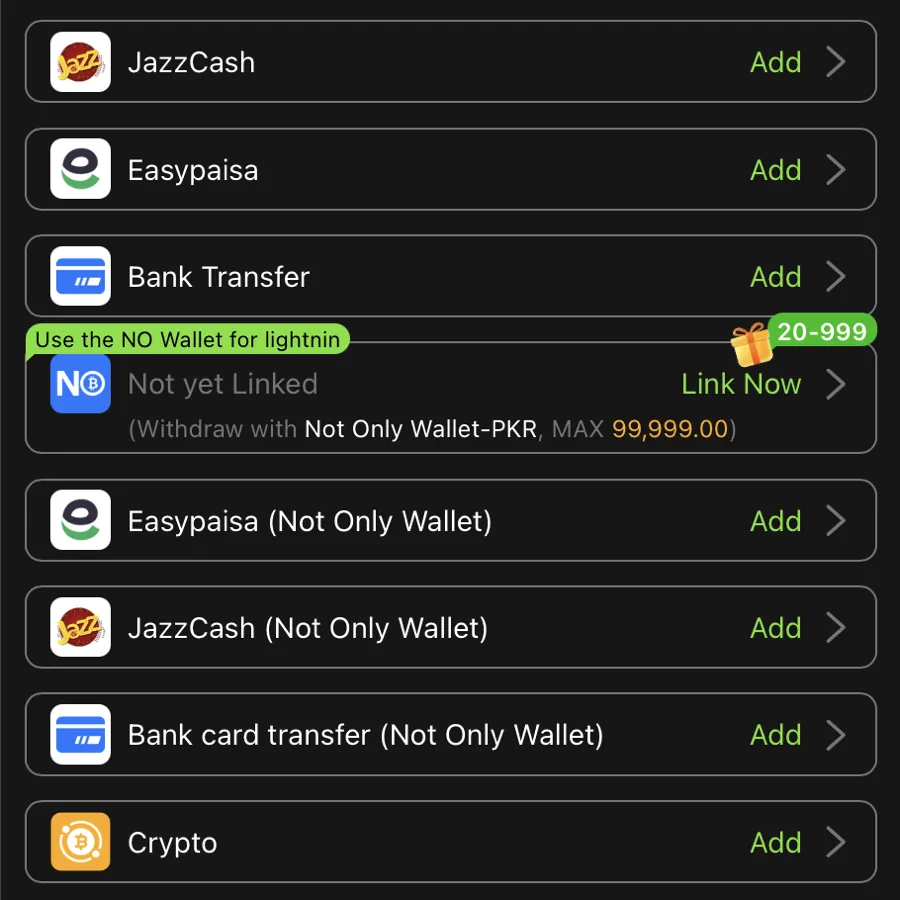
Before any transaction, check the payment options shown in the Y999 app and confirm the recipient details are genuine. Do not rely on an old screenshot, an unofficial social media post, or a message from someone you do not know. If you need to verify official links, start from the app itself.
Real-money gaming may be restricted by local laws. Confirm that the service is lawful for you before sending money.
Before Making a Y999 Game Deposit
Take these precautions before you start a transaction:
- Check the payment method and recipient details carefully.
- Review the minimum and maximum amounts shown by the service.
- Confirm any transaction fee before you approve the payment.
- Make sure the amount fits your personal budget.
- Keep a record of the transaction reference and confirmation message.
Never share your mobile wallet PIN, password or one-time password with a gaming agent, or with anyone who offers payment help.
General Deposit Steps
If you have not installed it yet, start with the Y999 Game Download page, then sign in using our Y999 Game Login guide. If Y999 legally supports your chosen payment service, the general process may involve these steps:
- Open the Y999 Game app’s wallet section.
- Review the available payment methods.
- Select the supported option, if one is available.
- Follow the instructions shown in the app.
- Check the recipient and amount before you authorise the payment.
- Save the transaction confirmation for your records.
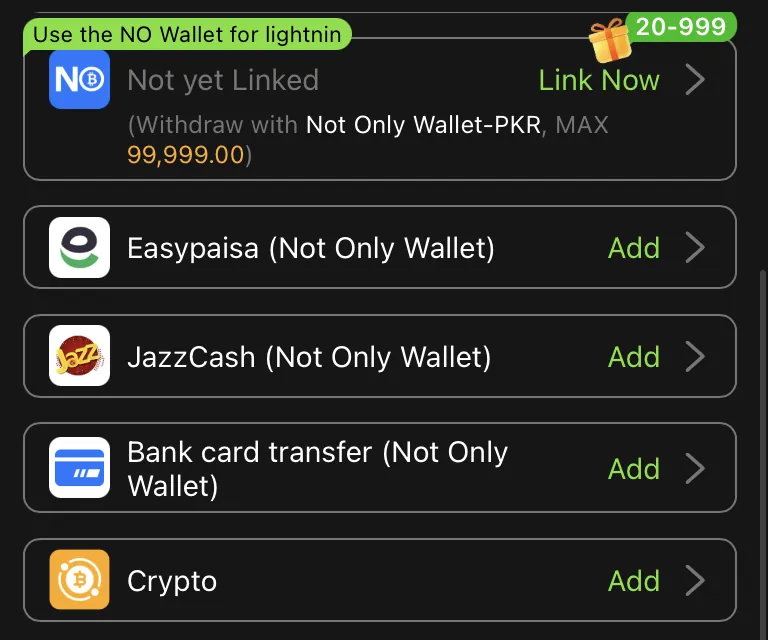
The exact process may differ. Do not send funds to a personal wallet or an unfamiliar account unless you have independently verified the recipient and the payment instructions.
What If a Deposit Does Not Appear?
A payment confirmation from your wallet does not necessarily mean your Y999 account has been credited. There may be a delay, a processing issue, or an incorrect transaction reference.
If this happens, first check the transaction status in the official JazzCash or Easypaisa app. Save the transaction ID, amount, date and confirmation message.
Then contact the payment provider through its verified support channel. If the provider confirms the transaction went through, contact Y999 Support in the app about the missing credit.
Do not make a second payment just because the first one has not appeared. Do not share your PIN or OTP to speed up a transaction.
Y999 Withdrawals and Refunds
Deposit and withdrawal options are not always the same. Confirm the withdrawal method, processing time, minimum amount and account verification requirements in Y999’s current rules. When we checked, the withdrawal screen offered NO Wallet, normal withdrawal and convert to crypto, and asked for a payment password first.
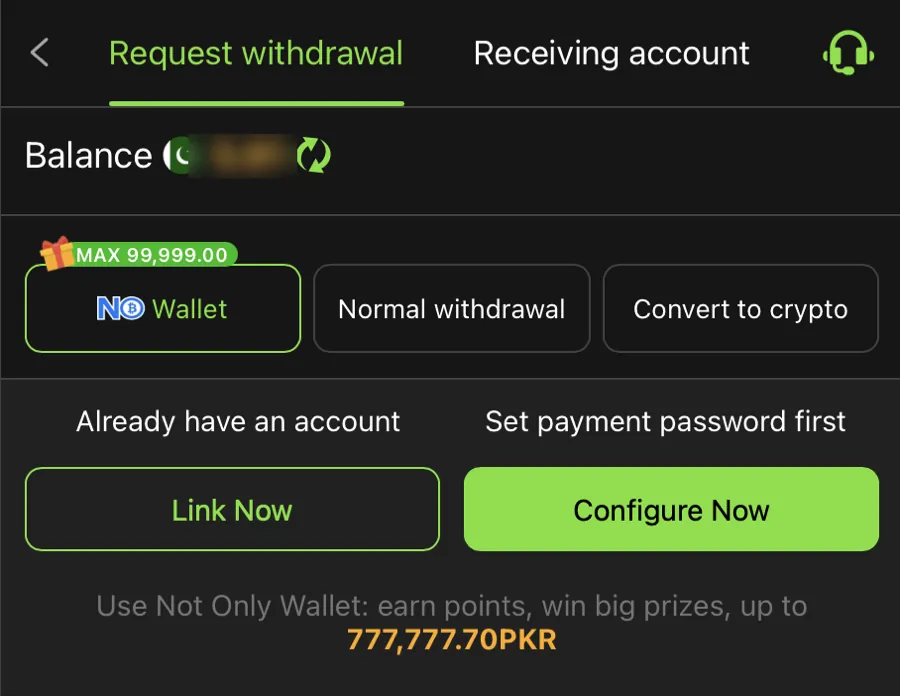
Do not treat any processing time as guaranteed unless it is clearly stated in reliable, current terms. Bonus funds can carry their own withdrawal conditions. If a transaction stays unresolved, keep your records and contact the relevant provider.
Be cautious if someone asks you to pay an extra, unexpected fee to release a balance or refund. Verify the request independently before you do anything.
Protect Your Financial Information
Use the official financial-service apps and protect your phone with a screen lock. Keep your wallet PIN private, and never let a stranger control your device remotely.
If you suspect fraud, contact the financial service promptly through its official channels and ask what protective steps are available.
Final Advice
Always verify payment availability, recipient information, transaction limits and local legal requirements before sending money. Keep payment records, protect your account credentials, and never assume a deposit or withdrawal will be instant. Set a budget first, and read our responsible gaming guide.